

The rise of digital-first banks has transformed how startups, small businesses, and entrepreneurs manage finances. Mercury Bank stands out as a modern virtual bank tailored for US businesses seeking streamlined banking, speed, and transparency. Its platform combines online account management, advanced tools, and secure card options, making financial operations effortless.
Unlike traditional banks, Mercury operates entirely online, offering checking and savings accounts without physical branches. This approach provides instant access to funds, automated workflows, and integration with business tools. Mercury focuses on simplicity while ensuring top-level security and usability for its customers.

What Makes Mercury a True Virtual Bank
Mercury Bank provides a completely digital banking experience. Accounts are accessible via mobile apps or web dashboards, eliminating branch visits. This structure ensures faster transactions, lower fees, and clear visibility into all account activity.
A key feature is Mercury’s business-oriented tools. Users can issue virtual cards, set spending limits, and manage multiple accounts. This makes Mercury ideal for startups, tech companies, and remote teams. With Mercury virtual cards, businesses gain secure payment options without relying on physical cards or outdated banking methods.
Understanding Mercury Virtual Cards
Mercury offers virtual debit cards for business accounts. These cards are linked directly to your Mercury balance and exist entirely in the digital app. Each card has a unique number, CVV, and expiration date for online payments.
Virtual cards help manage employee expenses, subscriptions, and recurring payments. They allow businesses to issue cards instantly, control limits, and freeze or delete them at any time. This ensures secure spending while keeping primary accounts protected.

Why Virtual Cards Are Critical for Businesses
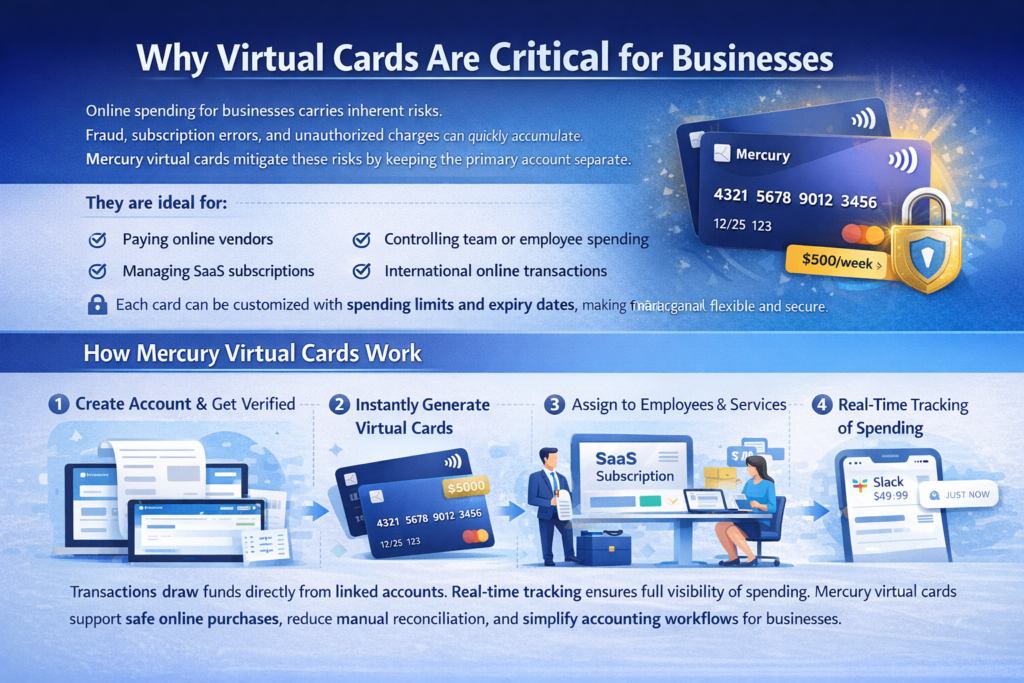
Online spending for businesses carries inherent risks. Fraud, subscription errors, and unauthorized charges can quickly accumulate. Mercury virtual cards mitigate these risks by keeping the primary account separate.
They are ideal for:
- Paying online vendors
- Managing SaaS subscriptions
- Controlling team or employee spending
- International online transactions
Each card can be customized with spending limits and expiry dates, making financial management flexible and secure.
How Mercury Virtual Cards Work
After creating a Mercury account and completing verification, virtual cards can be generated instantly. Businesses can issue cards to employees or use them for specific subscriptions.
Transactions draw funds directly from linked accounts. Real-time tracking ensures full visibility of spending. Mercury virtual cards support safe online purchases, reduce manual reconciliation, and simplify accounting workflows for businesses.
Security Features That Protect Business Funds
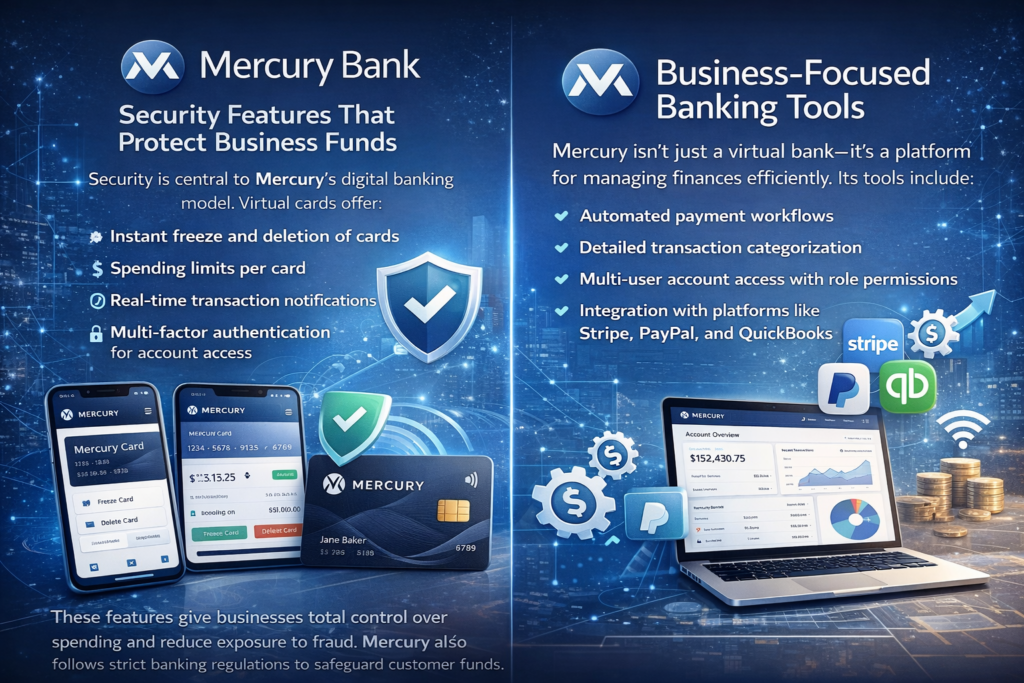
Security is central to Mercury’s digital banking model. Virtual cards offer:
- Instant freeze and deletion of cards
- Spending limits per card
- Real-time transaction notifications
- Multi-factor authentication for account access
These features give businesses total control over spending and reduce exposure to fraud. Mercury also follows strict banking regulations to safeguard customer funds.
Business-Focused Banking Tools
Mercury isn’t just a virtual bank—it’s a platform for managing finances efficiently. Its tools include:
- Automated payment workflows
- Detailed transaction categorization
- Multi-user account access with role permissions
- Integration with platforms like Stripe, PayPal, and QuickBooks
These features make Mercury virtual cards more than payment tools—they are integral to managing modern business finances.
Managing Subscriptions and Recurring Payments
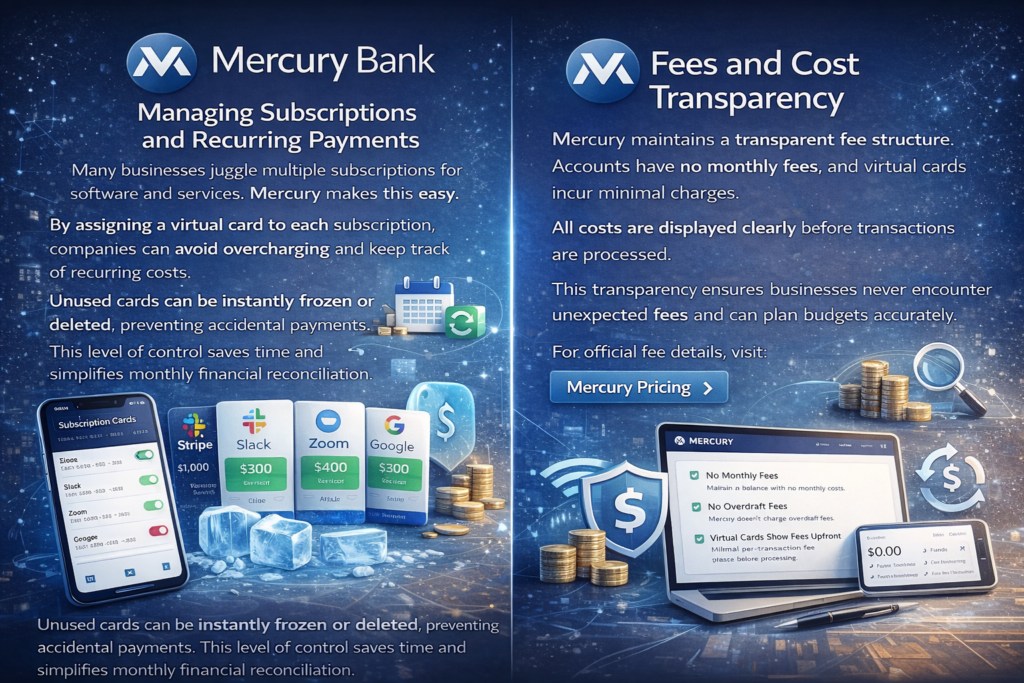
Many businesses juggle multiple subscriptions for software and services. Mercury makes this easy. By assigning a virtual card to each subscription, companies can avoid overcharging and keep track of recurring costs.
Unused cards can be instantly frozen or deleted, preventing accidental payments. This level of control saves time and simplifies monthly financial reconciliation.
Fees and Cost Transparency
Mercury maintains a transparent fee structure. Accounts have no monthly fees, and virtual cards incur minimal charges. All costs are displayed clearly before transactions are processed.
This transparency ensures businesses never encounter unexpected fees and can plan budgets accurately. For official fee details, visit: Mercury Pricing.
Setting Up Mercury Virtual Cards
The setup process is simple and fast:
- Sign up for a Mercury business account
- Complete identity and business verification
- Fund your account
- Navigate to the card section in-app
- Generate virtual cards instantly
This process allows businesses to start spending online without delays or paperwork.
Employee and Team Management
Mercury virtual cards are perfect for teams. Businesses can issue cards to employees, assign limits, and track spending in real time. This setup helps prevent overspending, improves accountability, and integrates seamlessly with bookkeeping.
Multi-user access with role permissions ensures that sensitive financial operations remain secure while employees can still manage day-to-day spending efficiently.

Mobile App Experience
The Mercury app prioritizes simplicity and speed. Users can generate virtual cards, monitor transactions, and manage accounts effortlessly. Real-time notifications provide full transparency, allowing businesses to act quickly if unauthorized activity occurs.
The intuitive design minimizes the learning curve and ensures that even complex financial operations feel straightforward.

Limitations to Consider
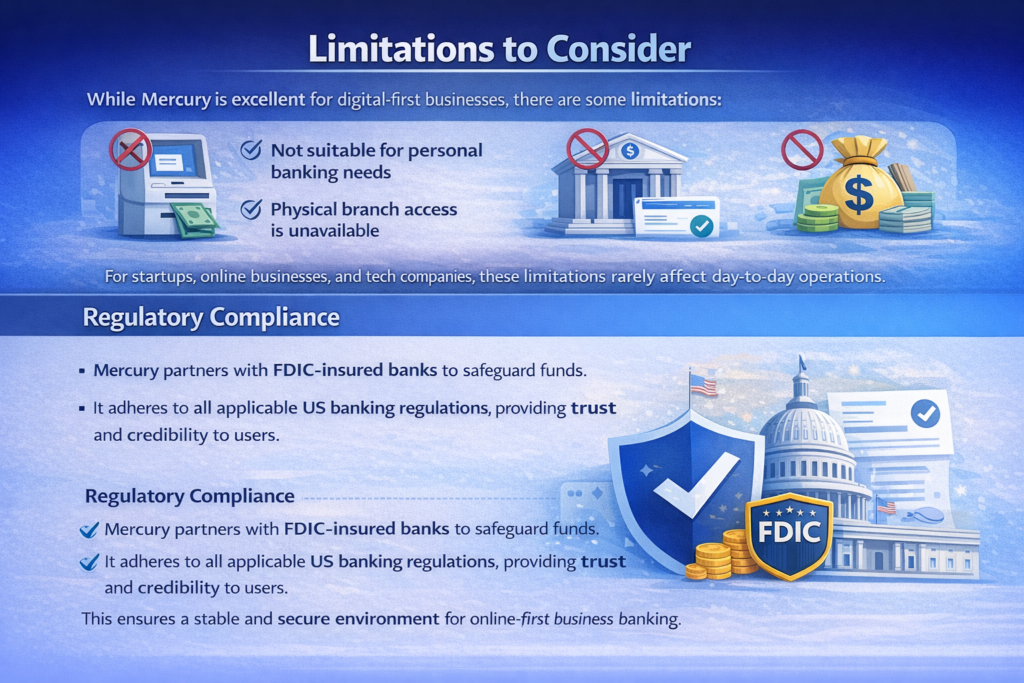
While Mercury is excellent for digital-first businesses, there are some limitations:
- Not suitable for personal banking needs
- Physical branch access is unavailable
- Cash deposits require third-party services
For startups, online businesses, and tech companies, these limitations rarely affect day-to-day operations.
Regulatory Compliance
Mercury partners with FDIC-insured banks to safeguard funds. It adheres to all applicable US banking regulations, providing trust and credibility to users. This ensures a stable and secure environment for online-first business banking.
Who Should Use Mercury Bank
Mercury is designed for:
- Startups and tech companies
- Online businesses and marketplaces
- Remote teams managing employee expenses
- Companies needing virtual cards for subscriptions and services
- Businesses requiring clear, real-time transaction tracking
By offering powerful virtual banking tools, Mercury helps businesses simplify financial management, reduce overhead, and maintain security.

Final Thoughts on Mercury Bank
Mercury redefines business banking in the US. Its virtual cards, multi-user access, and business-focused tools make it ideal for startups and modern companies.
By combining speed, security, and simplicity, Mercury provides an unmatched virtual banking experience. Companies can manage finances online without the delays and complications of traditional banks. For businesses aiming to streamline operations, Mercury is a practical and innovative choice.
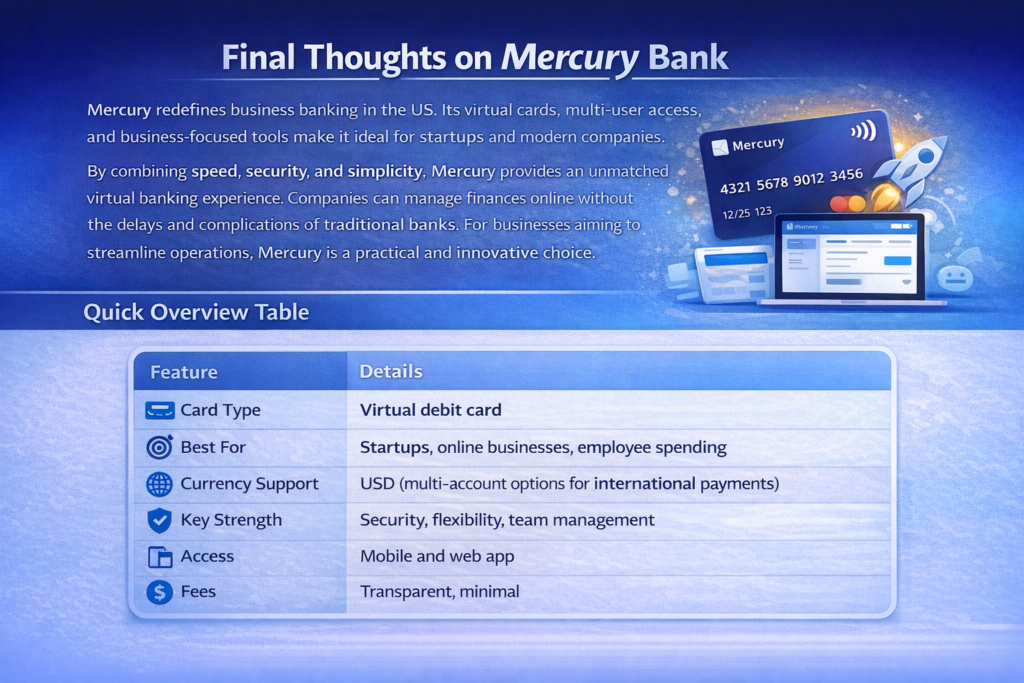
Quick Overview Table
| Feature | Details |
|---|---|
| Card Type | Virtual debit card |
| Best For | Startups, online businesses, employee spending |
| Currency Support | USD (multi-account options for international payments) |
| Key Strength | Security, flexibility, team management |
| Access | Mobile and web app |
| Fees | Transparent, minimal |
One Comment on “Mercury Bank: A Complete Guide to Modern Virtual Banking”